
ChatGPT Clone
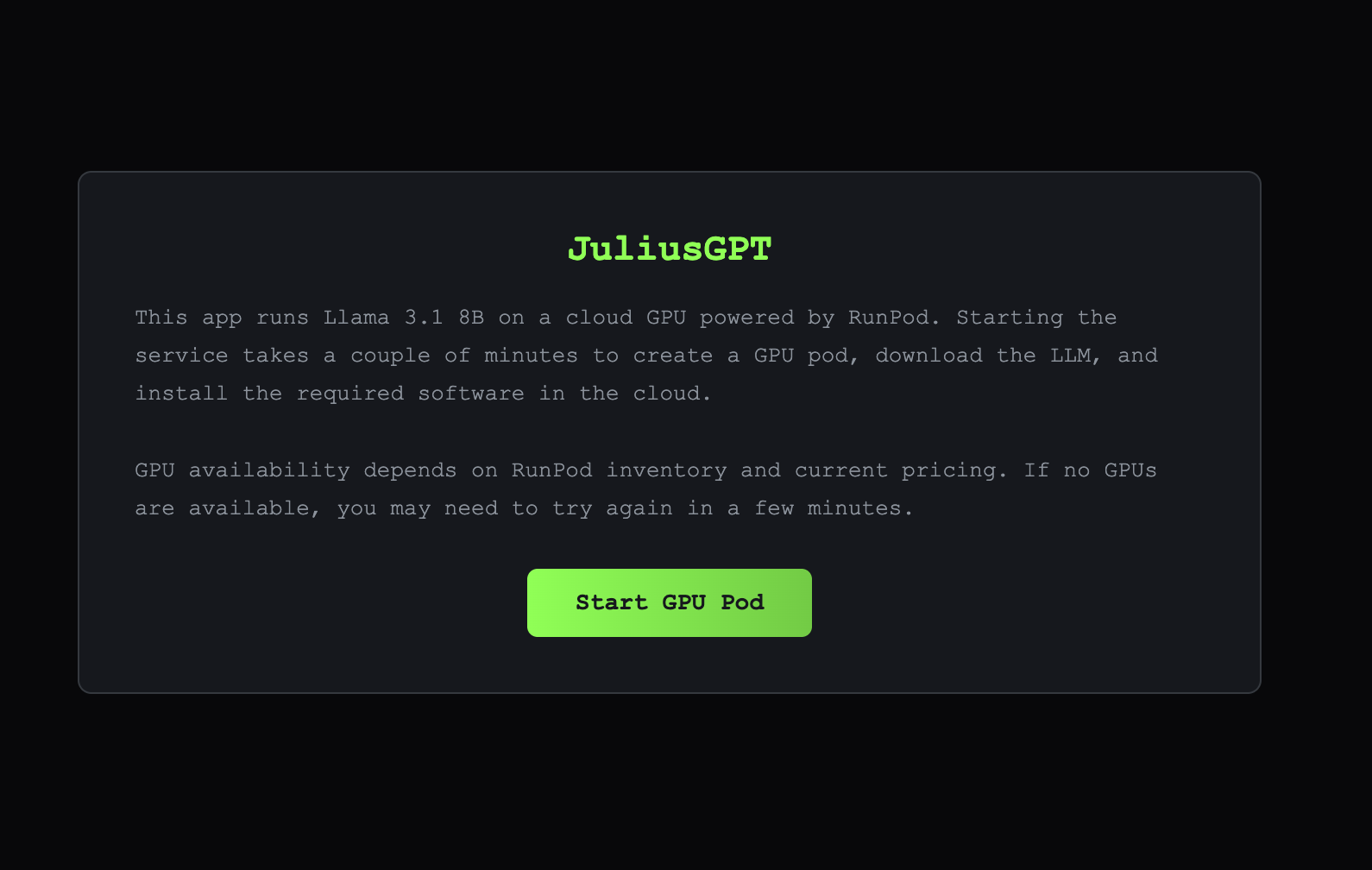
JuliusGPT is a ChatGPT style conversational AI application that delivers an interactive, real-time chat experience powered by on demand GPU infrastructure running the Llama 3.1 8B language model via Ollama. The application features a responsive React-based interface with a familiar chat layout, streaming AI responses, and clear visual feedback during GPU cold starts(This can take a couple of minutes). Rather than relying on always-on compute, JuliusGPT dynamically provisions GPU pods only when needed, transparently displaying startup progress, model loading, and usage statistics to the user. Messages are streamed token by token using Server Sent Events (SSE), providing a smooth, low-latency conversational experience once the model is live. The backend manages GPU lifecycle, cost controls, and automatic shutdown after inactivity, ensuring efficient resource usage while maintaining a polished, ChatGPT like user experience.
Technology Utilized
This ChatGPT style application is built using a modern full stack architecture with an emphasis on real time streaming, and dynamic infrastructure management. The frontend is developed with React 18 and leverages React Hooks to manage application state, streaming message updates, and UI transitions during GPU cold starts/shutdown events. The user interface provides a responsive chat experience with streamed, token-by-token AI responses, visual cold start feedback, and automatic scrolling to keep the latest messages in view. The backend is powered by Node.js and Express.js and serves as both an API layer and an orchestration layer for on demand GPU resources. It uses Server-Sent-Events(SSE) to stream pod lifecycle status, model loading progress, and inference tokens to the client in real time. Instead of relying on a hosted inference API(original version of this project), the backend dynamically provisions GPU pods on RunPod, running the Llama 3.1 8B model locally via Ollama inside a Docker container. During pod creation, the system attempts to provision GPUs in a prioritized fallback order including RTX 3090, RTX 4090, RTX A5000, and RTX A4000, while preferring US based availability to reduce latency. The server manages pod lifecycle state, concurrency control, cost validation, and automatic shutdown after inactivity to optimize resource usage. Environment variables are securely managed using dotenv, CORS is configured for frontend communication, and the system follows a clean separation of concerns, with the frontend interacting exclusively with the backend while all model execution and infrastructure logic remains server-side.
Build Context
So this project was originally relatively simplistic, and was a ChatGPT clone I built, and hosted on Railway to learn about integrating OpenAI's APIs into applications. At the time, I used OpenAI's API, but I switched to Groq because of the company's generous free tier. After thinking the project was too simplistic, and wanting to do a better job of showcasing my skills, I converted the original project to what is currently displayed. I wanted something that provisions and utilizes specified cloud based GPU's, and that downloads, runs and manages an LLM locally on the provisioned machine in the cloud. I had to take into consideration which GPU's were powerful enough to run the model of my choice, which LLM provided the best trade-offs, and what level of model quantization was feasible. I had to take into consideration cost, think about availability of different machines at different times, and think about the location of the GPUs being utilized. The project was incredibly difficult and I utilized Claude Code to help with working on many of the backend aspects of the application, but primarily podManager.js(Manages the full lifecycle of the GPU) and the server.js. This was the hardest part of the application since in this instance, Railway's reverse proxy buffers HTTP responses for POST requests. To get around this, I split the request submission and response streaming into a POST request for initiating the operation, and a long lived GET request using Server-Sent Events (SSE) to stream real time status updates and model output. I didn't spend time implementing authentication, or persistent chat storage in this application since those are topics I'm pretty well versed in, but it is something I would do for a shippable product